Minecraft Discord Server - How to Join the Best Communities in 2026
Minecraft has been bringing players together for over a decade, and in 2026 Discord remains the platform of choice for the Minecraft community. Whether you are searching for a Minecraft Discord server to find building partners, join a survival multiplayer world, trade redstone designs, or just chat about the latest update, there are thousands of active communities waiting for you.
This guide walks you through everything you need to know about Minecraft Discord servers, from what to expect inside to how you can join the best ones today.
Key Takeaways
- Minecraft Discord servers cover every playstyle including survival, creative, PvP, modded, and redstone engineering
- You can find and join Minecraft Discord servers through Discordserversz.com by browsing the gaming category
- Most servers are free to join and offer channels for LFG, builds, trading, and community events
- The official Minecraft Discord server is one of the largest gaming communities on the platform
- Whitelist applications where you apply to join the survival world
- Server IP and connection details for members
- Coordinates and base sharing channels
- Economy and trading systems between players
- Community events like build competitions, PvP tournaments, and group projects
- Voice channels for playing together in real time
- Build showcase channels where members share their creations with screenshots and world downloads
- Build challenges with weekly or monthly themes
- WorldEdit and schematic sharing for large-scale projects
- Texture pack and shader discussions to make builds look their best
- Collaborative build projects where teams work on massive creations together
- Tutorial channels for learning advanced building techniques
- Redstone contraption showcases from simple doors to full computers
- Farm design channels covering every farmable resource
- Technical discussion about game mechanics, mob spawning, and chunk loading
- Litematica and schematic sharing for complex builds
- World download sharing for testing and learning
- Ranked matchmaking on popular PvP servers
- Practice partner finding for 1v1 duels
- Kit and strategy discussion for different PvP modes
- Tournament announcements and bracket systems
- Crystal PvP, pot PvP, and UHC specific channels
- Modpack discussion for popular packs like ATM, RLCraft, and Create
- Modpack server listings where groups recruit for modded SMPs
- Mod development channels for aspiring creators
- Troubleshooting and tech support for installation issues
- Resource pack and addon sharing for Bedrock players
- Game-specific channels for each minigame
- Party and team finding for competitive modes
- Bug reports and feedback channels
- Staff announcements about updates and events
- Community content channels for sharing videos and clips
- General chat for casual Minecraft and off-topic conversation
- Introduction channels to meet new members
- Meme and humor channels for Minecraft-related content
- Voice channels for hanging out while playing
- Seed sharing for interesting world generation
- Trading channels for vanilla or economy servers
- Tutorial and guide libraries covering game mechanics
- News channels tracking Minecraft updates and snapshots
- Weekly build competitions with themes and voting
- Survival challenges like speedruns or hardcore attempts
- Community game nights featuring minigames and custom maps
- Seasonal events for holidays and major updates
- Share your builds: The community loves seeing creative work, no matter the skill level
- Join voice chat when playing: Coordinating in real time makes multiplayer much more fun
- Participate in events: Build competitions and challenges push your skills and earn recognition
- Help new players: Answering questions is one of the best ways to become a valued member
- Follow server-specific rules: Each community has its own culture and expectations
- Back up your work: If you build on a community server, keep screenshots and world saves
What Are Minecraft Discord Servers?
Minecraft Discord servers are community spaces where players gather to discuss the game, recruit for multiplayer worlds, share creations, and organize events. They range from the official Minecraft server with hundreds of thousands of members to small private groups running their own SMPs.
Unlike in-game chat, Discord gives Minecraft players persistent channels for different topics, voice chat for playing together, and tools for sharing screenshots and videos of their builds.
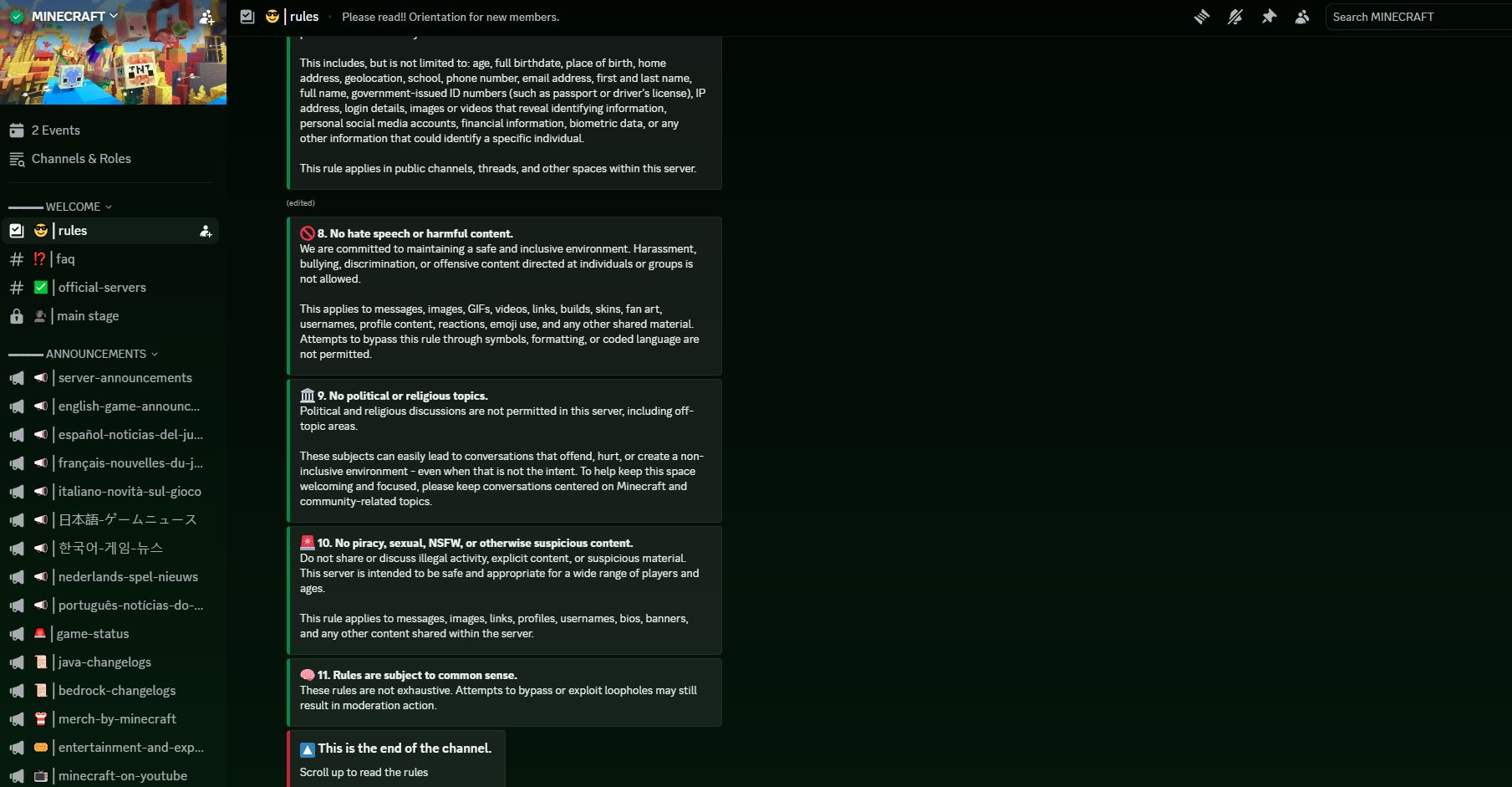
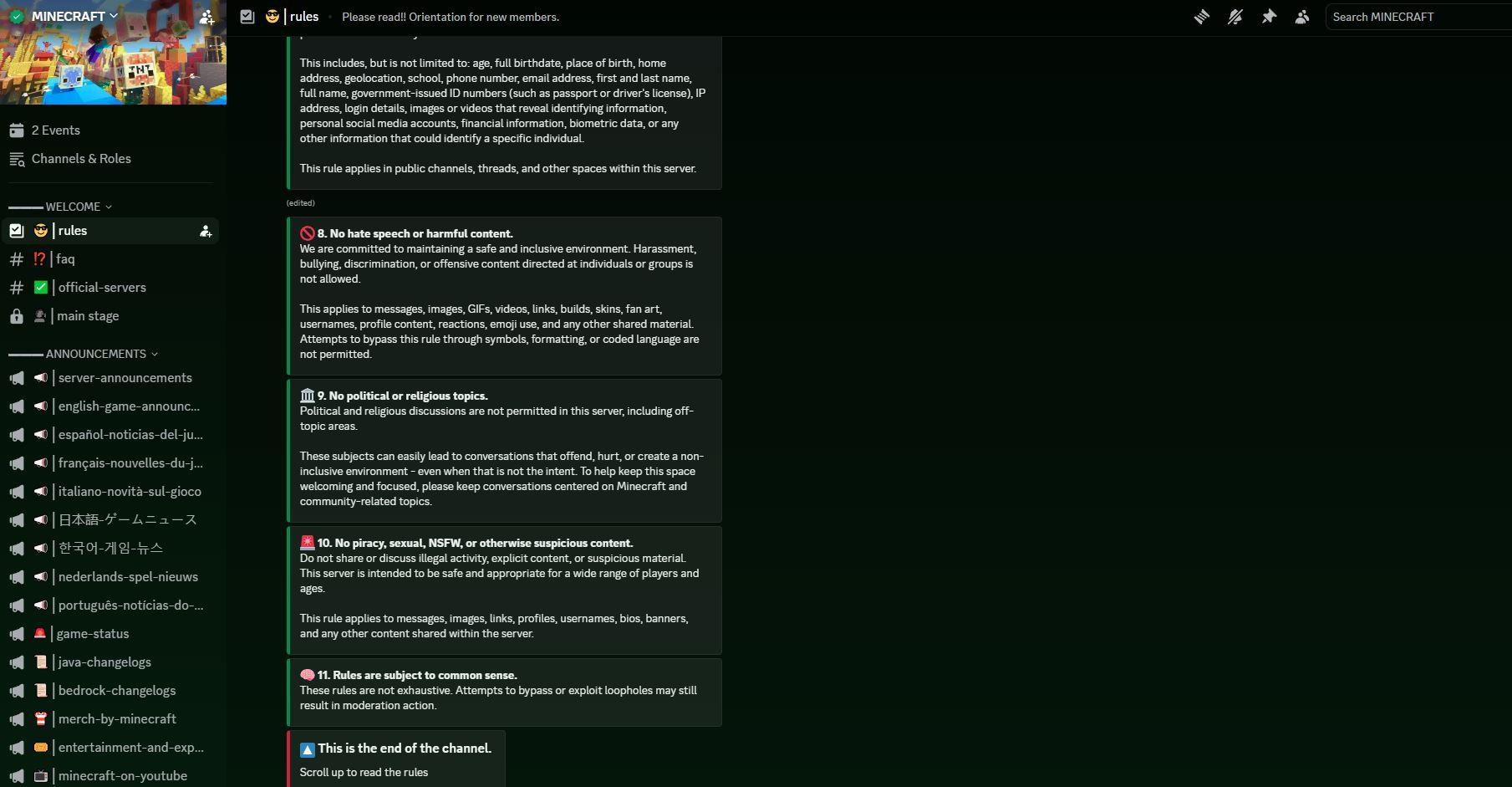
Inside the official Minecraft Discord server showing active community channels, announcements, and the welcoming interface new members see after joining.
How to Join a Minecraft Discord Server
Step 1: Get Discord
Download Discord from discord.com or install the mobile app. Create a free account if you do not have one.
Step 2: Find a Server
The best way to find Minecraft Discord servers is through Discordserversz.com. Search for "Minecraft" or browse the gaming category to see active communities with member counts and descriptions.
Step 3: Click Join
Once you find a server that interests you, click the join button. You will be redirected to Discord where you can accept the invite.
Step 4: Verify and Set Roles
Most Minecraft servers have a verification step to keep bots out. Complete it, then choose roles for your playstyle (survival, creative, PvP, redstone, etc.) and your Minecraft edition (Java or Bedrock).
Step 5: Explore Channels
Browse the channels to find discussions, LFG posts, build showcases, and server listings that match your interests.
Types of Minecraft Discord Servers
SMP (Survival Multiplayer) Communities
SMP servers are among the most popular Minecraft Discord communities. They typically offer:
SMP communities create long-term friendships because players invest time building and surviving together.
Creative and Building Servers
For players who love to design and construct:
Redstone and Technical Minecraft
The technical side of Minecraft has a dedicated following:
PvP and Competitive Servers
For players who enjoy combat:
Modded Minecraft Communities
Modded Minecraft has a thriving Discord presence:
Minecraft Server Networks
Large Minecraft server networks like Hypixel run their own massive Discord servers with:
What to Expect Inside a Minecraft Discord Server
Community and Social Features
Gameplay Resources
Events and Activities
Tips for Getting the Most Out of Minecraft Discord
Frequently Asked Questions
Is the Minecraft Discord server free to join?
Yes, Minecraft Discord servers are free to join. Discord itself is free, and the vast majority of Minecraft communities do not charge membership fees.
How do I find a Minecraft SMP to join?
Search for "Minecraft SMP" on Discordserversz.com or browse the gaming category. Many SMP servers have application channels where you can apply for their whitelist.
Can Bedrock and Java players join the same Discord server?
Yes, Discord servers are not limited by game edition. While the Minecraft worlds themselves may be edition-specific, the Discord community welcomes both Java and Bedrock players.
What is the biggest Minecraft Discord server?
The official Minecraft Discord server is one of the largest gaming communities on Discord with hundreds of thousands of members. There are also major community servers with tens of thousands of active participants.
Are Minecraft Discord servers safe for younger players?
Most well-moderated Minecraft Discord servers enforce rules against inappropriate content and language. However, parents should review server rules and consider Discord's age requirements before allowing younger players to join.
How do I find teammates for Minecraft multiplayer?
Use the LFG (Looking For Group) channels available in most Minecraft Discord servers. Specify whether you play Java or Bedrock, your timezone, and what type of gameplay you are interested in.
Conclusion
Minecraft Discord servers are the heart of the Minecraft community in 2026. Whether you want to join an SMP, show off your builds, dive into redstone engineering, compete in PvP, or explore modded content, there is a Discord community built for your playstyle.
Start exploring Minecraft communities on Discordserversz.com to find the perfect server for you. Your next epic build, survival adventure, or multiplayer friendship starts with a single invite link.