Fortnite Discord Server - Find Squads & Join the Community in 2026
Fortnite continues to evolve with every season, and so does its massive community. If you are searching for a Fortnite Discord server to find squads, discuss the latest map changes, or compete in scrims, Discord is where the most active Fortnite players gather. With millions of players worldwide, Fortnite Discord servers range from casual hangouts to competitive training grounds.
This guide covers everything you need to know about Fortnite Discord servers, including where to find them, what to expect, and how to make the most of these communities.
Key Takeaways
- Fortnite Discord servers are the best place to find squadmates, discuss updates, and enter tournaments
- You can discover Fortnite servers by searching on Discordserversz.com under the gaming category
- Servers cater to every skill level from casual players to competitive grinders
- Most servers offer LFG channels, scrim lobbies, item shop tracking, and community events
- LFG channels for duos, trios, and squads at all skill levels
- Meme and clip sharing channels for funny moments and highlights
- Item shop discussion covering daily rotations and skin reviews
- Lore and storyline channels for tracking the Fortnite narrative
- Creative mode showcases and map code sharing
- General chat for hanging out between matches
- Scrim lobbies organized by region and skill tier
- VOD review channels where players share gameplay for feedback
- Key binds and settings discussion for optimizing performance
- Tournament announcements for both community and official events
- Coaching channels where experienced players help others improve
- Zone rules and scrim etiquette guides for fair practice
- Ranked discussion covering current season meta and strategies
- Account showcasing where members share their locker collections
- Skin combo discussion for the best outfits, back blings, pickaxes, and gliders
- Concept art sharing for fan-designed skins
- Item shop predictions and leak discussions
- V-Bucks deal alerts for legitimate sales and bundles
- Map showcasing with island codes and trailers
- Play testing channels where creators get feedback on their maps
- UEFN development discussion for coding and design
- Collaboration boards for finding building partners
- Featured map discussion covering trending islands
- Platform (PC, PlayStation, Xbox, etc.)
- Region (NAE, NAW, EU, OCE, etc.)
- Game mode (Battle Royale, Zero Build, Ranked, Creative)
- Skill level or rank
- Communication preference (mic required or optional)
- Age range if the server enforces it
- Patch notes breakdowns discussing every change
- Map changes documentation with before and after comparisons
- New weapons and items analysis covering stats and strategies
- Battle pass reviews rating each tier and skin
- Leaked content discussions from data miners (where server rules allow)
- Custom match tournaments with prize pools or bragging rights
- Build battle competitions testing mechanical skill
- Creative game nights featuring community-made maps
- Prediction contests for official Fortnite events and live events
- Clip contests for the best plays of the week
- Keep your LFG posts updated: Include current rank and what mode you want to play
- Use voice channels: Fortnite is a team game and communication wins matches
- Share clips and highlights: The community appreciates impressive plays
- Be a good teammate: Do not rage quit, grief, or blame others
- Stay current on updates: Read patch notes so you can contribute to discussions
- Respect skill differences: Not everyone is trying to qualify for FNCS
- Instant squad finding: LFG channels get you into a game faster than any matchmaking queue
- Real communication: Voice channels with your squad beat in-game voice chat quality
- Community feel: Regular members become friends you play with every day
- Information speed: Update news and leaks reach Discord before most social media
- Platform agnostic: PC, console, and mobile players all use the same Discord server
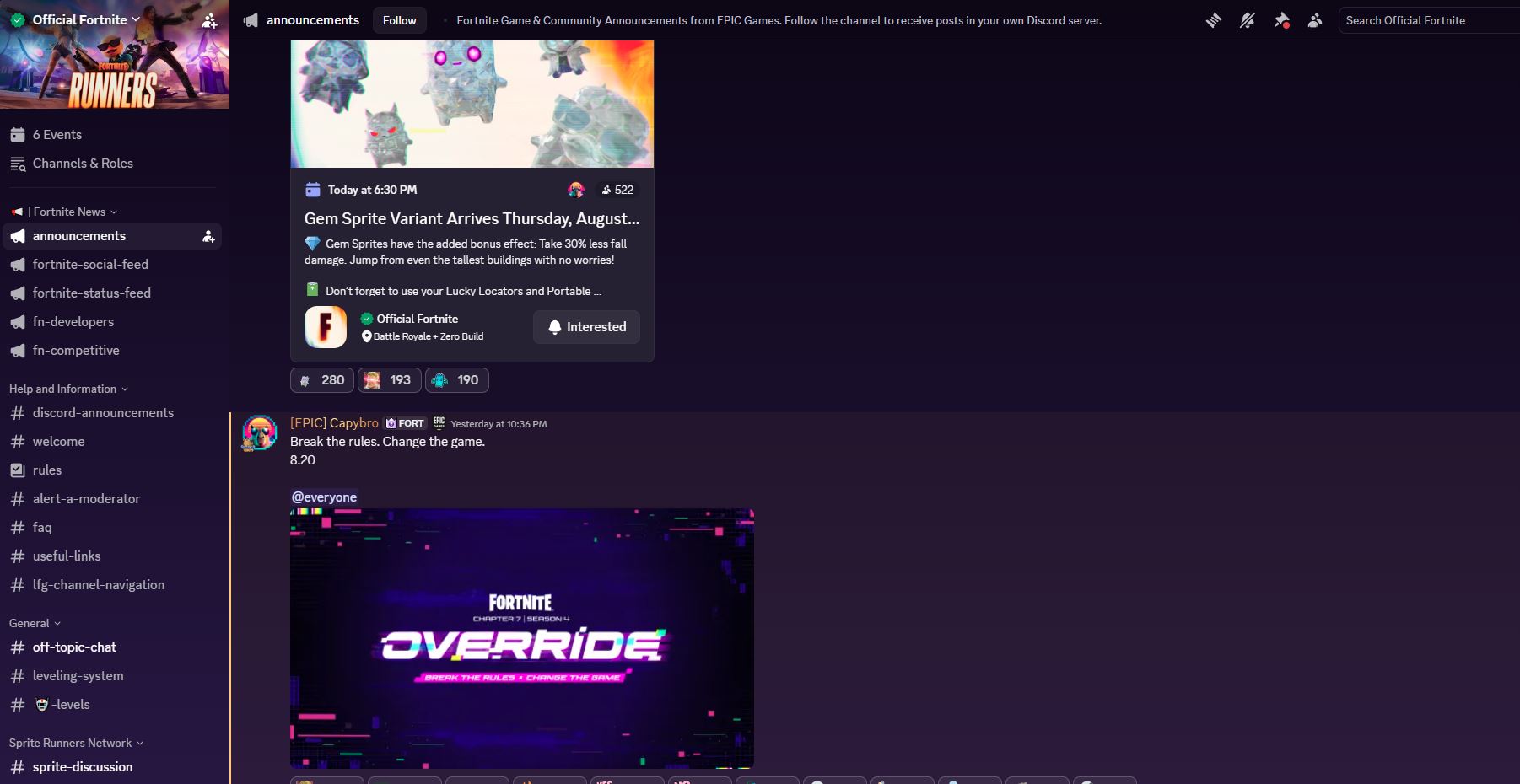
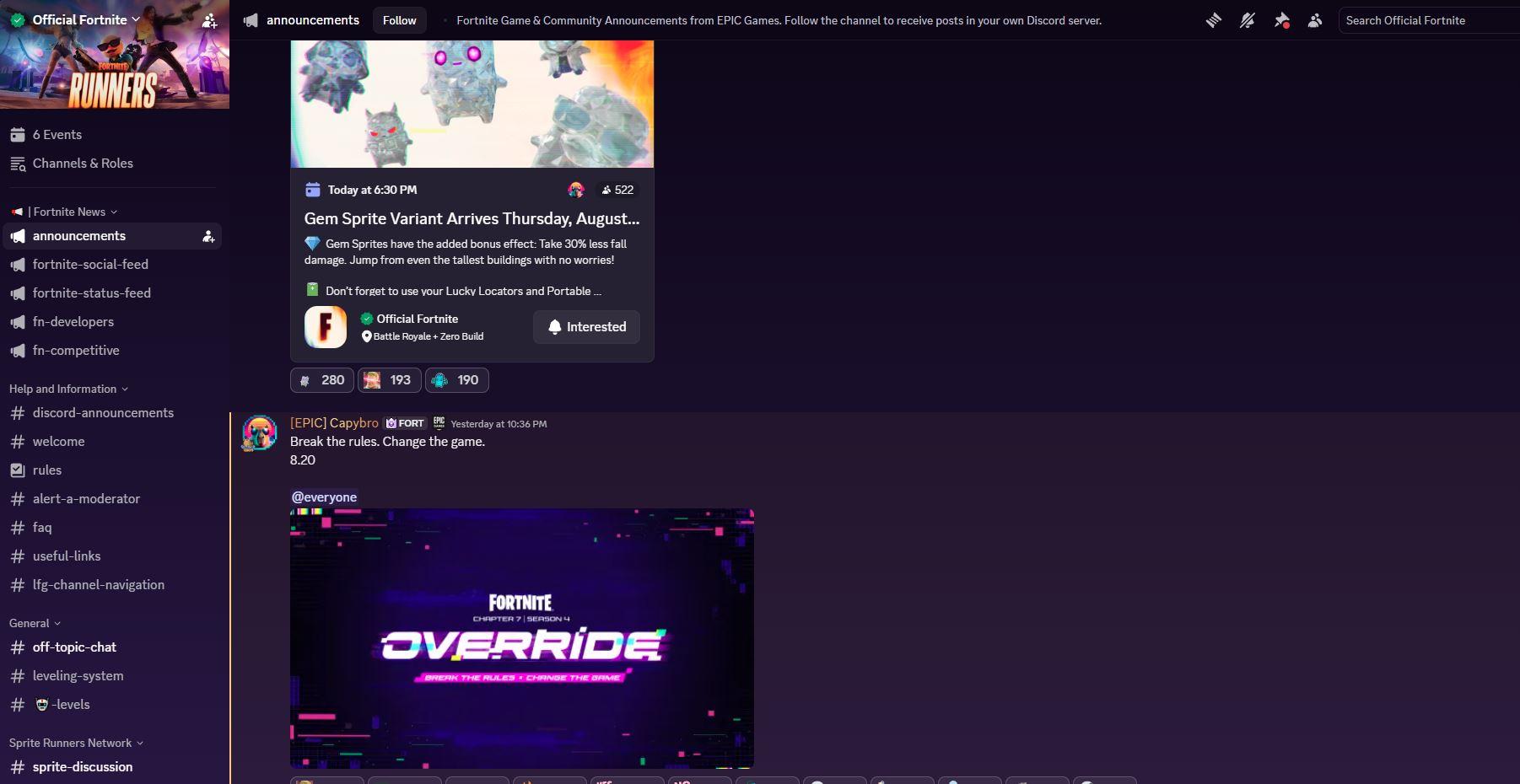
Inside the Fortnite Discord server showing squad LFG channels, discussion areas, and the community interface new members see after joining.
What Is a Fortnite Discord Server?
A Fortnite Discord server is a community on Discord where Fortnite players come together to chat, find teammates, share gameplay, and stay updated on everything happening in the game. These servers replace the need to rely on random fills by connecting you with real players who communicate and coordinate.
How to Join a Fortnite Discord Server
Step 1: Set Up Discord
Download Discord from discord.com and create your free account.
Step 2: Search for Fortnite Servers
Visit Discordserversz.com and search for "Fortnite" or browse the gaming category to find active Fortnite communities with descriptions and member counts.
Step 3: Join and Verify
Click the invite link to join. Complete the verification process which typically involves accepting rules and possibly linking your Epic Games account.
Step 4: Select Your Roles
Choose roles based on your platform (PC, PlayStation, Xbox, Switch, Mobile), your region, and your skill level. This helps other players find you for compatible matches.
Step 5: Find Your Squad
Head to the LFG channels and post your info or respond to others looking for teammates.
Types of Fortnite Discord Servers
Casual and Social Servers
For players who enjoy Fortnite without the pressure of competitive play:
Competitive and Scrim Servers
For players grinding to improve and compete:
Trading and Cosmetics Servers
Fortnite's cosmetics are a major part of the community:
Creative Mode Servers
Fortnite Creative and UEFN have spawned their own communities:
What You Will Find Inside a Fortnite Discord Server
LFG (Looking For Group) System
The most valuable feature of any Fortnite Discord server is LFG. A typical LFG post includes:
Season and Update Coverage
Active Fortnite servers keep you informed with:
Community Events
Fortnite Discord servers run their own events including:
Tips for Fortnite Discord Members
Why Fortnite Players Use Discord Over Other Platforms
Frequently Asked Questions
Is it free to join a Fortnite Discord server?
Yes, all Fortnite Discord servers are free to join. Discord itself is free, and community servers do not charge for membership.
How do I find good Fortnite players to play with?
Join a Fortnite Discord server through Discordserversz.com and use the LFG channels. Specify your rank and region to find compatible teammates. Competitive scrim servers also attract higher-skill players.
Are there Fortnite Discord servers for beginners?
Yes, many Fortnite servers welcome players of all skill levels. Some specifically cater to newer or casual players where the atmosphere is relaxed and people are happy to help you improve.
Can I find Fortnite tournaments on Discord?
Absolutely. Many Fortnite Discord servers host regular tournaments with their own bracket systems. Some communities also share announcements for official Epic Games competitive events.
Do I need a microphone to join a Fortnite Discord server?
A microphone is not required to join the server itself. However, many LFG posts specify "mic required" for squad play. You can still participate in text channels and find teammates who do not require voice chat.
What is the best Fortnite Discord server?
The best server depends on what you are looking for. Casual players should seek social LFG servers, while competitive players benefit from scrim-focused communities. Browse Discordserversz.com to compare options and find one that fits your playstyle.
Conclusion
A Fortnite Discord server is the single best tool for finding squads, improving your game, and staying connected with the Fortnite community. Whether you play casually, grind competitive, or create maps in Creative mode, there is a Discord community built for you.
Explore Fortnite communities on Discordserversz.com to find your next squad, your next tournament, or your next group of Fortnite friends. The battle bus is leaving -- make sure you have a squad when it does.